Tuesday, September 19, 2017

Photoshop Portfolio Assignment

For your summative Photoshop assignment you will complete all of the tasks below in order to build a portfolio of Photoshop work.  Details are listed below.

Task 1

You must recreate an old-timey boxing poster.

Use one of the following examples as a template - Meaning follow the layout and design of the image.  Try to copy it to the best of your ability, but also make some changes or alterations.

You may use any stock images, or images that you find on Google.  You may also photograph your own pictures for this assignment.

Website for Font Generator - https://cooltext.com/

Example 1

Example 2


Task 2

You must use Photoshop to create a YouTube Banner.  The YouTube banner must communicate a message about you.  It needs to relate to you, or express something about your personality.  You must use a combination of colour, images and text.

The YouTube banner template can be found here

Open the banner template in Photoshop.  You are then going to create a new document that is 2560 x 424 pixels large.  Create your banner on that new document.  When you are complete, copy the final banner onto the template as a new layer and position it on top of the "Desktop Max" area.  Unlock the background layer (double click on the lock in the layers panel) and then delete the template layer.

Here are some resources for you to check out:

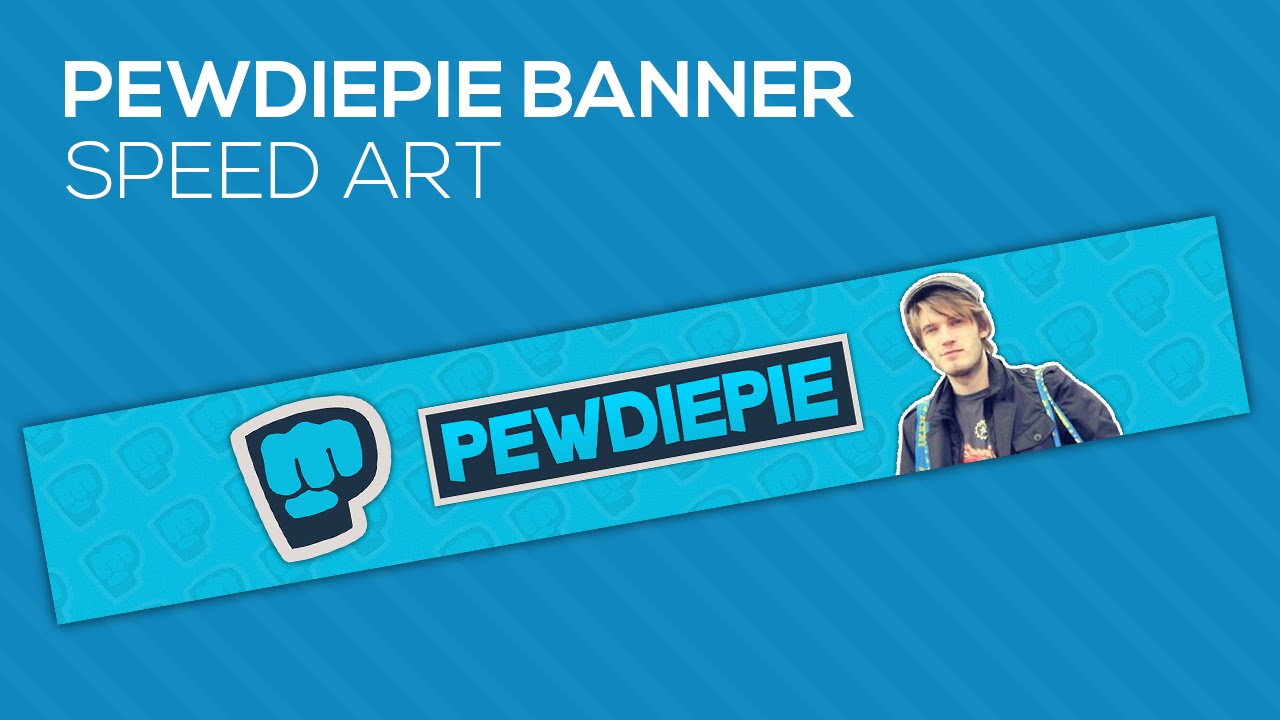
Banner Examples

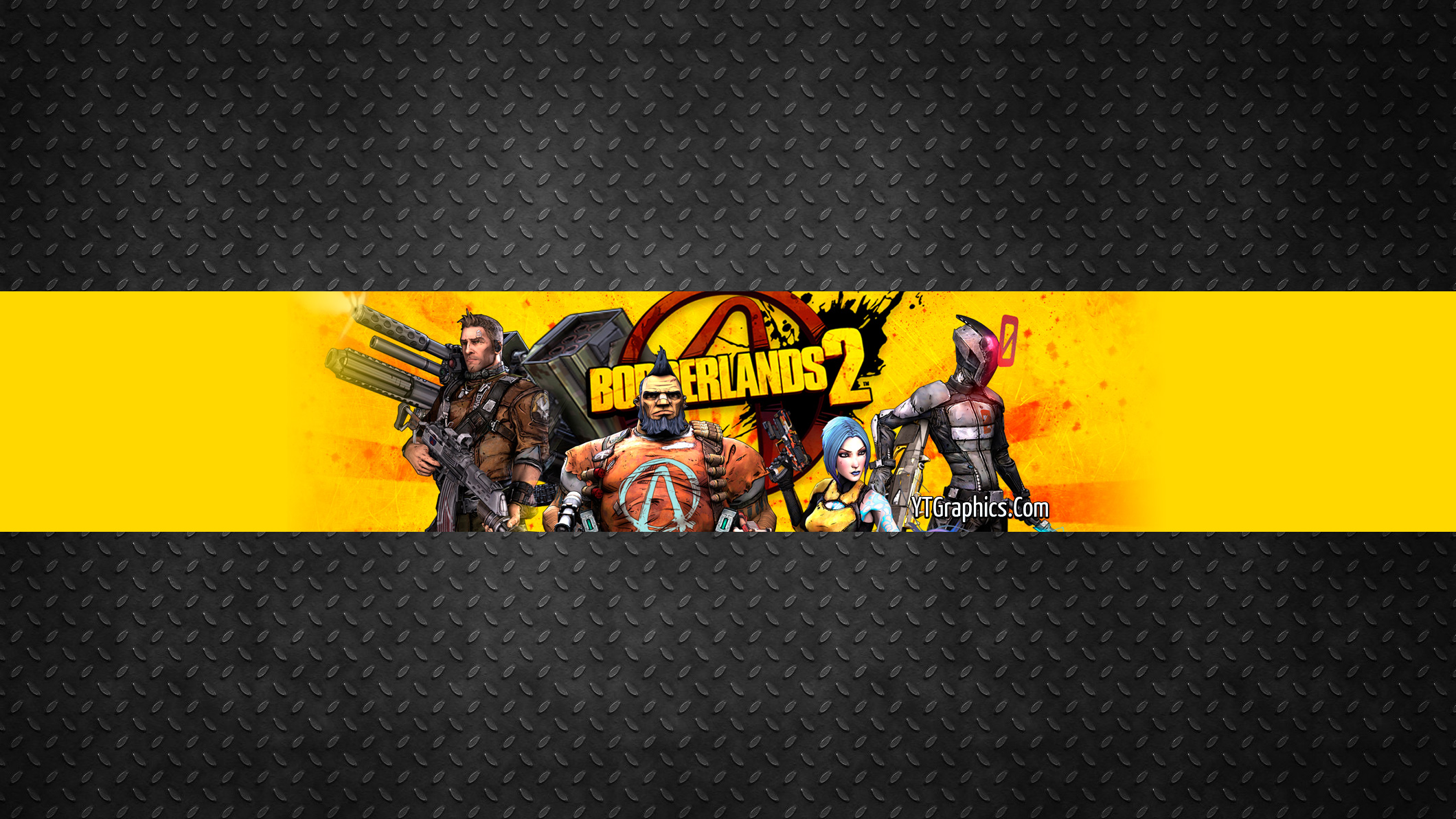
http://www.ytgraphics.com/wp-content/uploads/2013/04/borderlands2banner.jpg

http://i.ytimg.com/vi/P1Fn04gFq0o/maxresdefault.jpg

http://i.ytimg.com/vi/Xlv0Koa738o/maxresdefault.jpg

Font Resources

Create and download a font easily here:  http://www15.flamingtext.com/


Save your image and share it with me.

Task 3

Similar to the boxing poster, create a retro concert poster for a current band/singer/rapper/lipsyncher

Use one of the following examples as a template to create a concert poster for a current musical artist

<<<< Example 1

Example 2

Example 3


Task 4

Create box art for a video game that exists (but only digitally) or does not exist - make one up.

Use multiple images from the source material to create an appealing looking video game box.

You can get templates and assets from here: http://vgboxart.com/

Monday, September 11, 2017

Your First Assignment - Logo Design

For this assignment you are going to create a personal logo using a piece of software called InkScape.

You will learn about:

Vector vs Raster images
Logo Designs
Colour Theory

Google just made a big change...Let's watch their evolution.

30 Great Band Logos

Let's look at how a logo is designed.

Let's move into InkScape and follow a design tutorial - InkScape Logo Tutorial

Once that is complete, adapt it in some way, shape, or form to make it more original.

Now - Your assignment.

You are going to create your own personal logo.  Since this is a "Communications Technology" course, the logo you design must create a message...About you to me.

I'm the audience, and with your logo, I want to get a sense of who you are and what you're like.

There are a variety of ways to express specific things about you:
Your logo must include an image and textform...However, each piece of your logo should be able to stand on its own.

You must sketch 5 different varieties of your logo, and include colour.

You may then have your design approved by me and start creating it in InkScape

You will be assessed using the following information below.

Here are a few links to use for inspiration:
http://logospire.com/
https://logopond.com/

Here's the timeline:

Monday - Start tutorial above
Tuesday - Continue tutorial and/or start sketching
Wednesday - Sketching
Thursday - Sketches are due
Friday - Begin translating your sketching to Inkscape

This is how you will be assessed:

Creativity and Originality - /10:  How original is your logo?  Did you take an idea and make it your own?  How did you go through the creative process?  Did your logo change designs?


Polish and Professionalism - /10:  How neat and clean is your logo.  Does it include anything inappropriate?  Does your logo represent you in some way, shape or form?


Techniques - /10:  Did you rely on basic cut and paste techniques or did you challenge yourself to learn something new?  Did you make colour adjustments?  Did you think about colour and design placement when you were working?

Time Management - /5:  Did you complete the required task on time?


Tuesday, August 29, 2017

Raster vs Vector Images

For our first unit we're going to explore the difference between raster and vector images.

For our first assignment we're going to convert a raster image into a vector image using Google Drawings

We'll learn:

1.  How to log into our UGCloud accounts
2.  How to open a Google Drawing
3.  How to use some basic tools
4.  The reasons to use a raster image vs. a vector image.

Vector portrait with Google Drawing tutorial

A way longer - But way more detailed tutorial

You will be assessed using the following scale:


Polish and Professionalism - /10: How neat and clean is your final product? Do the colours used represent the original image? Is it a school appropriate portrait?


Techniques - /10:  Did you follow the instructions provided in class? Did you use the appropriate tools?

Time Management - /5:  Did you complete the required task on time?

Monday, August 28, 2017

Welcome!

Hello all,

Welcome to grade 10 Com Tech at ODSS.  It's going to be a great semester here in room 507!

ComTech the Documentary

Here is your course outline.

Thursday, November 24, 2016

Short, Silent Film Project

Here is your plan for this project.

You are to work in a group of  2, 3 or 4 (no more).

You must create a short film that has no audible dialogue and tells a story.

Aim for 1 to 2 minutes in length.

Here are the steps to follow:

1 - Storyboard and script -Monday, Tuesday and Wednesday
Plan your story and shot types.  I'm looking for some quick sketches that represent each scene.
  - Written summary and storyboard required

Plan your theme/moral/conflict and music - These two things are very important as they will help you get your story across.

2 - Film
Begin filming your project.

I would recommend you shoot the all of the footage of one actor first and then the next, etc...That way you won't have any errors with continuity.

3 - Edit

Use Adobe Premiere Elements to edit your film.

Add music and sound effects as needed.


Shot Type Video

Requirements:

  • Actors - Actors are required in order to tell a story, and since there are no words you must use actions and emotions to help get the message across to your audience.

  • Sound effects and music - Since there is no speech, music and sound effects are necessary to set the tone and atmosphere of the film.  Is it funny, tense, exciting, scary - The choice of music needs to reflect the feeling of the video.

  • Subtitles - Are not required, but may be used instead of speech.

  • Theme or Moral - Your film must express a theme or moral at the end.  What is the purpose of the story?  What message can the audience take from the film?

  • Include a variety of shot types and cuts.

You will be assessed using the following information.

Planning and Process - /10: Did you develop an original concept? Did you use props or costumes? Did you complete a summary and a storyboard? 


Polish and Professionalism - /20:  Are your cuts and edits clean? Did you pay attention to continuity? Is your video school appropriate? Did you use a tripod?


Techniques and Product - /20:  Did you experiment with a variety of shot types? Did you use appropriate music? Is your project complete? Does it communicate a message?

Time Management - /5:  Did you complete the assignment on time?

Wednesday, November 16, 2016

One week of game design...And other stuff.

Seesaw app - Class Code:  PWPI XNAN

For the next week you have eight options

Option 1 - Basic Coding

Play around in Code.org

You can do the following tutorials:

Play with coding on Code.org

Make Flappy Bird
MineCraft Hour of Code
Star Wars - Block Code
Star Wars - Java Script

Option 2 - More Advanced Coding

Explore Code.org - App Lab

You can complete the 4 video tutorials.

Once the video tutorials are complete, you can work on remixing projects at the bottom of the page.

Option 3 - Drag and Drop Coding

Use Construct2 to create a game

Use this tutorial to build a top down shooter in Construct2.  Feel free to replace the images with your own ideas.

You can find Construct2 by going to the following:

Start - Computer - Classes (X) - NEAL - Construct2 - Then run the file with the gear icon beside it (Construct2)

The tutorial is good, but you need to make sure to read it closely.

Option 4 - Game Maker - Basic


You can find Game Maker by going to the following:

Start - Computer - Classes (X drive) - NEAL - Portable Software - Game Maker Pro 8.0 - Game_Maker

Option 5 - Game Maker - Advanced

Re-make the Legend of Zelda (NES)


Option 6 - Blender (3D modelling and animation software)

Work with Blender - It is installed on the network computers - On the desktop, under courseware,

You can complete one or all of the following tutorials:

Ice Text - Use your own name

Text transformation - Use your own name

Pool Balls

Soccer ball with stitching

Option 7 - Animation - Create a stick figure animation using Pivot

Create an animation that tells a story using Pivot

Pivot can be found by going to the following:

Start - Computer - Classes (X drive) - Animation - Pivot - pivot_stick

Option 8 - Digital Art

You can do this two ways:

1.  Draw some art on paper, photograph or scan it and then use Photoshop to add detail and colour.

2.  Draw some art using a drawing tablet and Photoshop or a Microsoft Surface tablet.

On Thursday, December 14th - We will stop working, show what we have completed, and answer some questions regarding the software we have used.